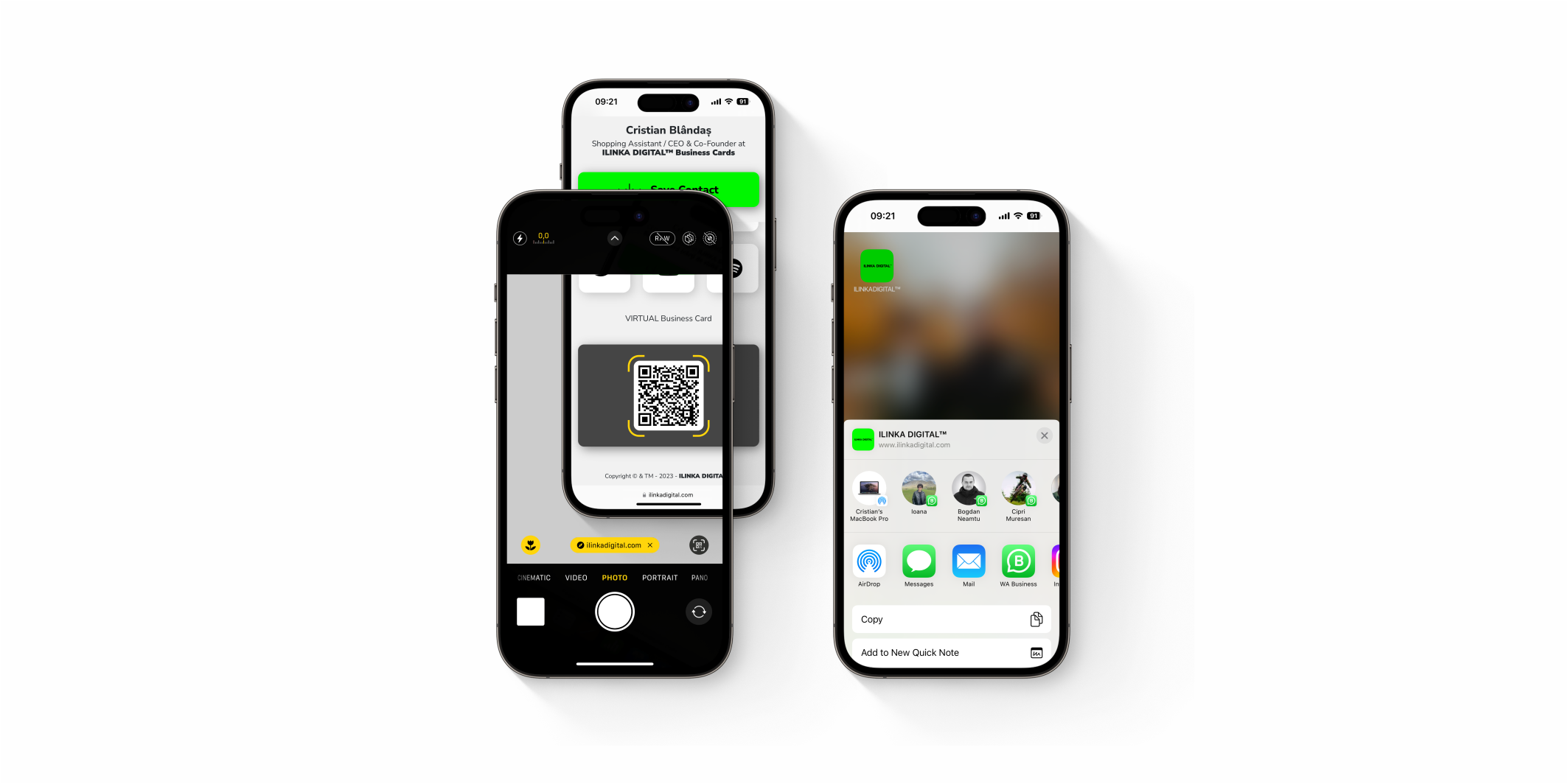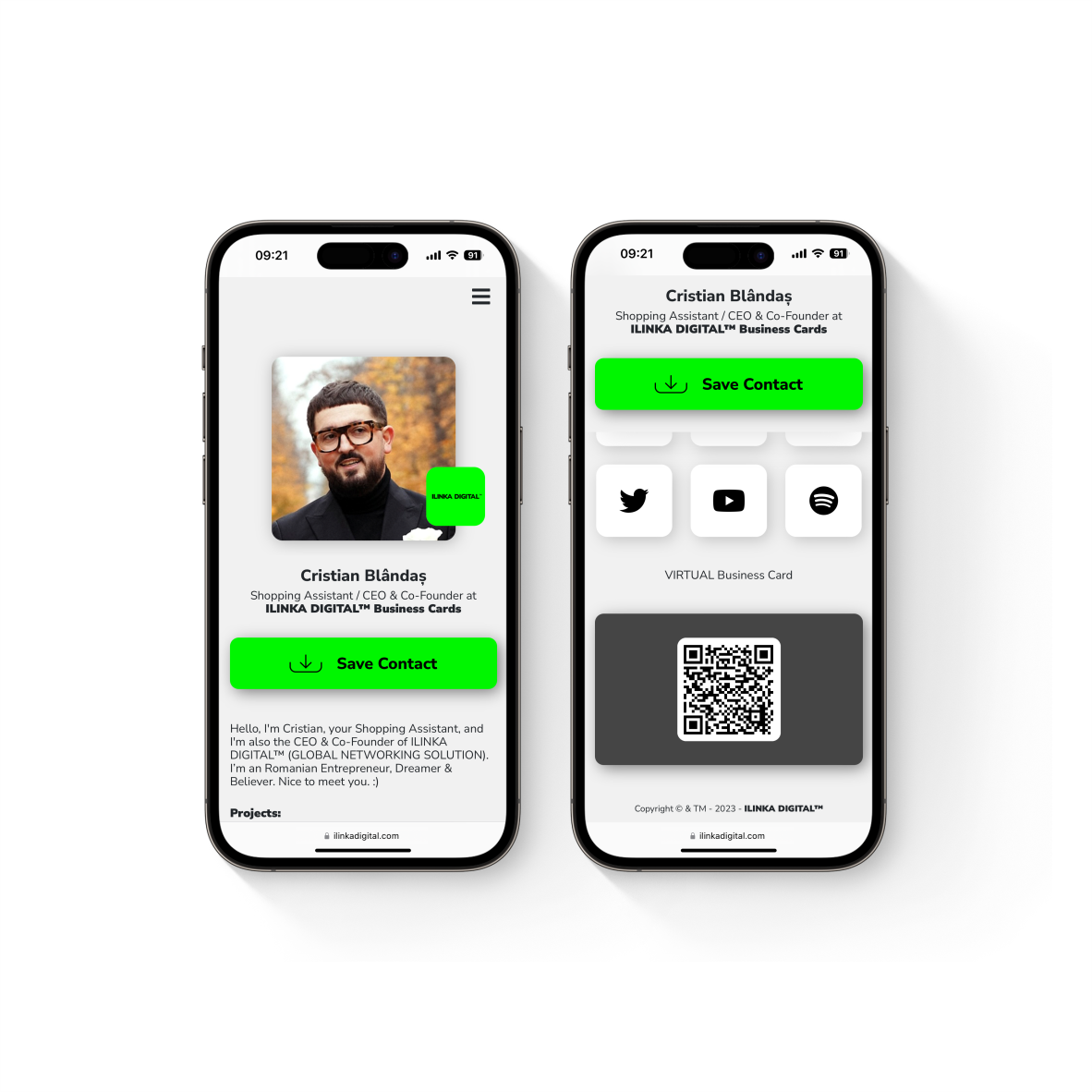
What the Digital Business Card contain:
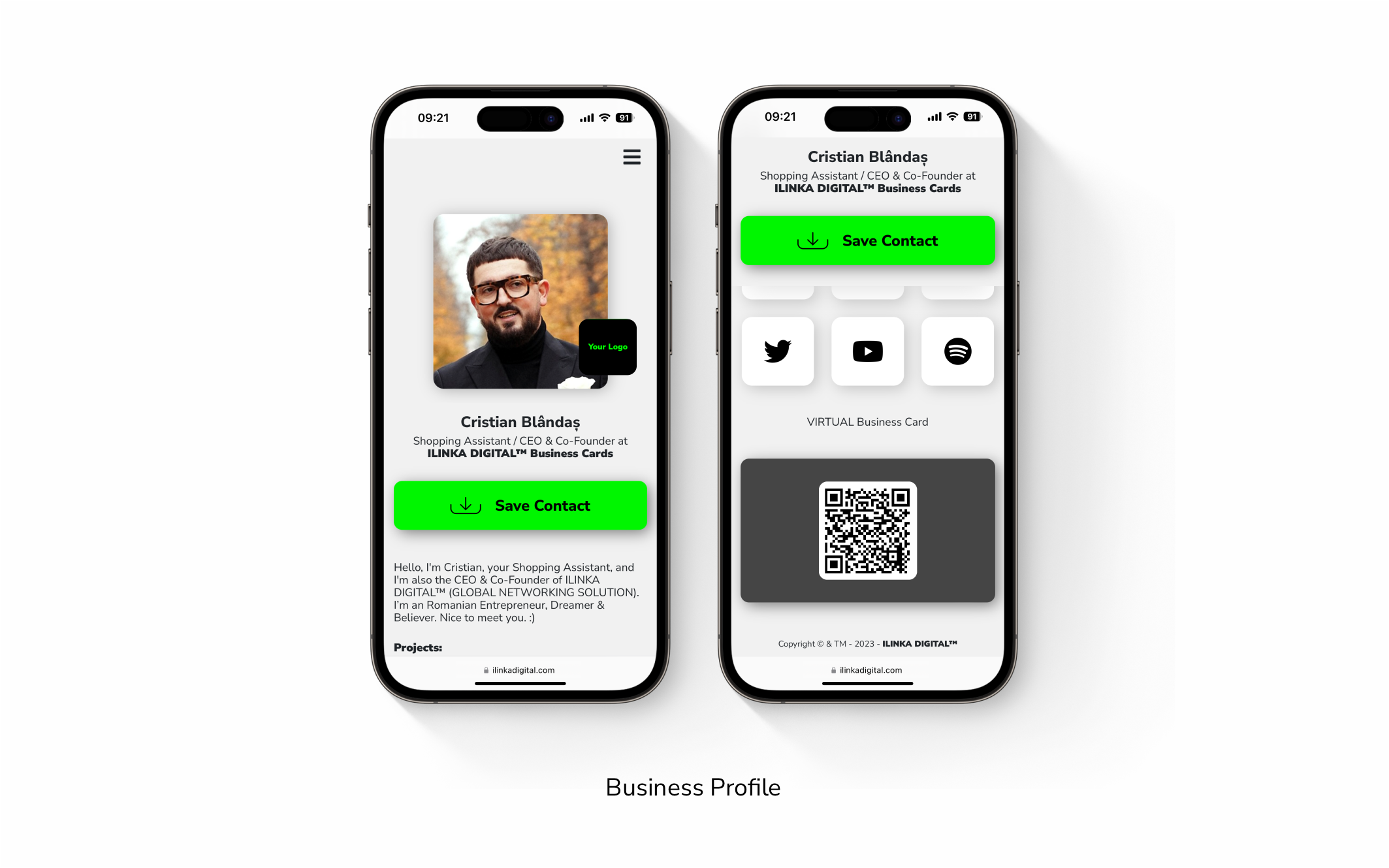
Just Business Profile (the software part).
How to activate:
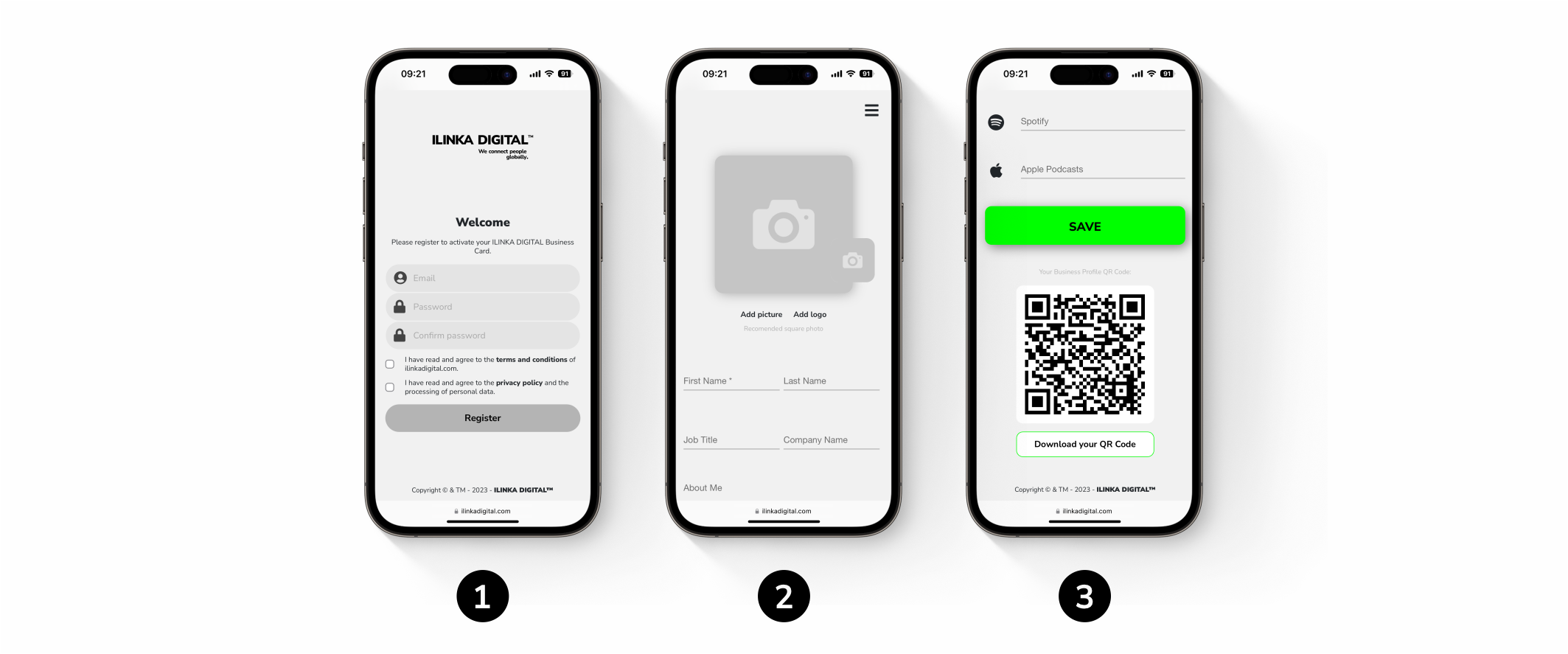
You to activate the Business Profile in four simple and quick steps.
-
- Step 1. Click on the activation link (you can find it in the email with the order)
- Step 2. Register with your email and a strong password.
- Step 3. Complete your Business Profile with all data that you want to share.
- Step 4. Save it and start using it.
How to connect with people:
- With in-app QR Code.
- Share your Business Profile through online platforms: email, SMS, WhatsApp and Social Media Platforms.
The other person doesn’t need an app to receive your information.
Compatible with iOS & Android.